Summary
This article explains Green Residential’s policies related to late rent payments, NSF fees, accepted payment methods, and what to do if a payment is rejected.
When to use this
Use this guide if you are:
Questioning a late fee or NSF fee on your account
Unable to pay rent through the tenant portal
Looking for approved payment methods after an NSF
Reviewing your lease payment requirements
Late Fee Policy
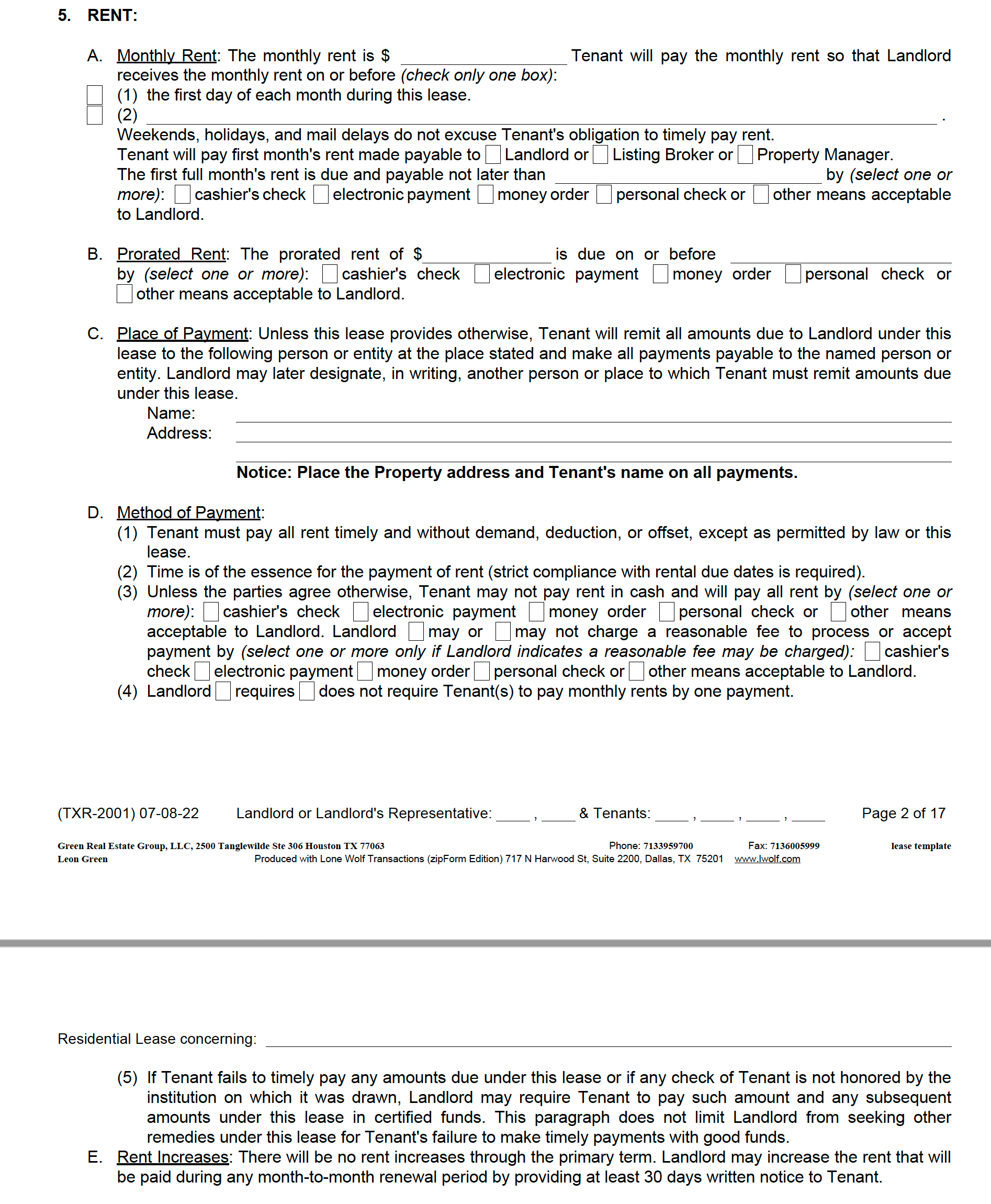
Before contacting Green Residential about late rent charges, please review your specific lease agreement. Late charges are typically outlined in Paragraph 6 of the lease.
Green Residential strictly follows the terms stated in your lease, so it is important that you familiarize yourself with this section.
FAQs
Q: Do I have to pay rent through my tenant portal?
A:
Except for first month’s rent and security deposit payments, most leases require rent to be paid through the tenant portal. If your lease allows another payment method, Green Residential will follow the lease terms.
Tenants are strongly encouraged to activate and use the tenant portal, as it provides:
Faster and more efficient rent submission
Maintenance request submission
Lease renewal notifications
Cash payments are not accepted.
If an on-time payment submitted through the tenant portal is returned due to insufficient funds, the payment is considered late. Late fees and NSF fees will apply.
Payments made outside of the tenant portal may be subject to a processing fee.
Q: Why was my ability to pay through the portal turned off?
A:
If a tenant is consecutively late with rent payments or has a payment returned due to Non-Sufficient Funds (NSF), the ability to pay online is automatically disabled.
Q: What are certified funds?
A:
Certified funds include cashier’s checks and money orders. These payment methods are considered secure and reliable.
Cashier’s checks can be obtained from your bank
Money orders are often available at major grocery stores
Q: What is NSF?
A:
NSF stands for Non-Sufficient Funds. This means the checking account used for payment did not have enough available balance to cover the transaction.
Q: What should I do if my payment was rejected due to NSF?
A:
If your payment is rejected due to NSF, your tenant portal will be locked. Green Residential understands that mistakes can happen and provides options to help you become current.
Payment Option 1: Zelle
Send payment using Zelle to pay@greenresidential.com.
If you are not already enrolled in Zelle:
Enroll your email or mobile number through your bank’s app or the Zelle app
Enter pay@greenresidential.com as the recipient
Enter the payment amount and submit
After sending payment, email support@greenresidential.com with:
A copy of the Zelle receipt showing the amount
The property address the payment should be applied to
What the payment is for, such as rent, late fee, or both
Payment Option 2: Certified Funds
Bring your rent plus applicable late fees in certified funds to the Green Residential office:
2500 Tanglewilde, Suite 306
Houston, TX 77063
Office hours are Monday through Friday, 9:00 AM to 5:00 PM.
Processing fees will apply.
Q: Can the NSF fee be waived?
A: NSF fees cannot be waived, as they represent charges incurred by Green Residential.
If you believe your account was incorrectly marked as NSF, you should contact your bank directly. Your bank may be able to issue a credit if the error occurred during the transfer of funds.
Contact us
If you have questions about your lease terms or payment status, contact Green Residential support for assistance.
Lease Template (for reference)